Learn how to customize your POS System interface to generate faster ordering speeds
DISCLAIMER: This content is for informational purposes only and is not intended to be used as legal, accounting, tax, HR or other professional advice. You are responsible for you and your businesses' legal and regulatory compliance. Contact your attorney, accountant, or any other relevant professional for specific advice related to your own needs and circumstances.
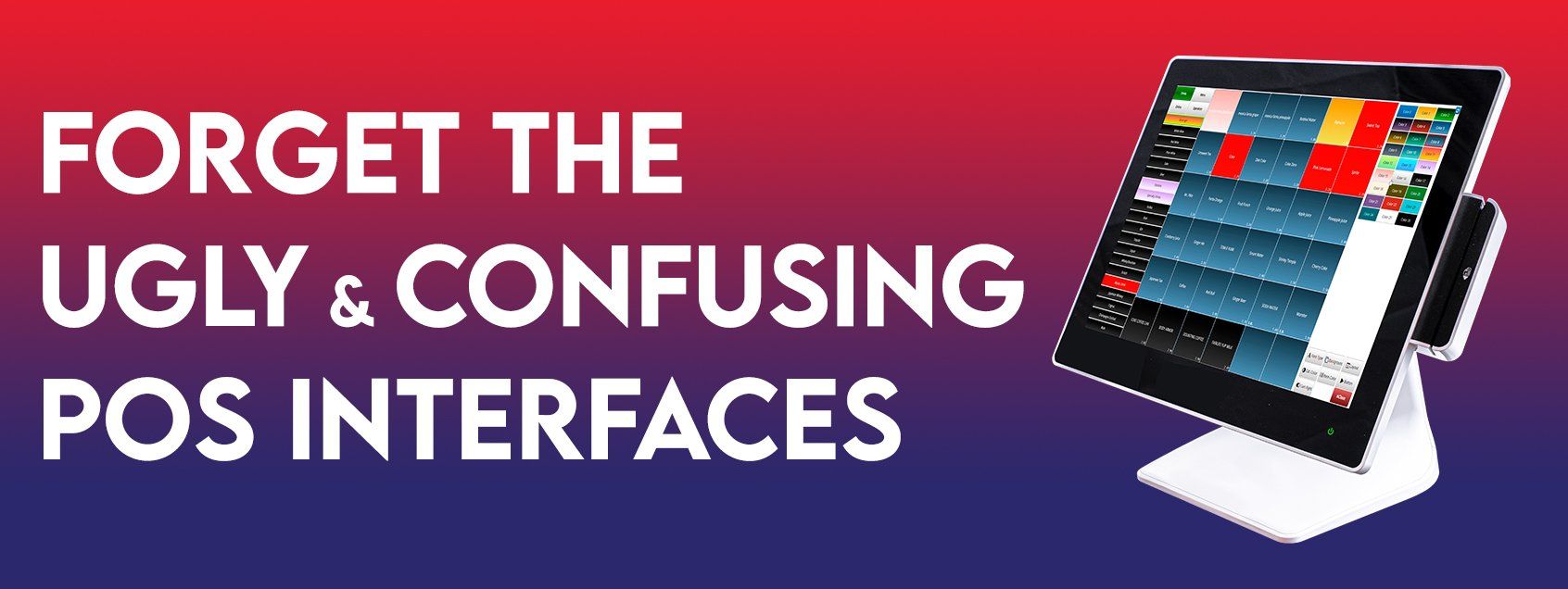
And make things your own with the ability to customize your POS System Menu layout, color and fonts!
Customizing your POS interface isn’t just about surface-level style. Behind all the eye-catching design is a subtle way to differentiate your menu easily for your staff. Categorize your POS Menu by using layout, color and fonts to easily create visible and recognizable sections.
Separating your Menu sections by color allows you and your staff to visually associate certain colors with specific dishes for faster ordering speeds. Additionally, change fonts for easier reading or even for stylistic purposes. We also have different Menu Layout options for you to choose from to organize your menu the way you want or need it to be.
Choose between 9 unique layouts, 27 different fonts & 20 preset colors. For colors you can even easily choose your own colors via the custom color selector.
To learn how, view the video tutorial below!